|
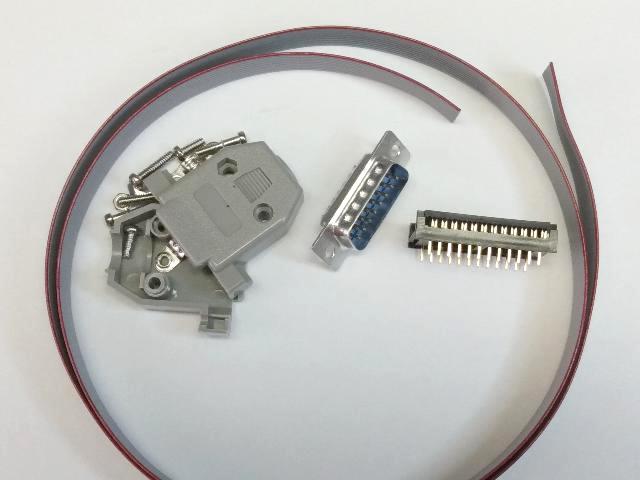
Use these instructions to build a laserdisc-player cable for use in Dragon's Lair, Space Ace, and Thayer's Quest. |
|
Cable Pin-out: |
| Parts List | Mouser | Digikey |
|---|---|---|
| 2-3 feet of 10-line ribbon cable | 3365/10-CUT-LENGTH | 3365/10 300 |
| 15 pin D-sub connector | 171-015-103L001 | G17S1510110EU |
| D-sub hood | 156-2015-EX | 40-9715H |
| 24-pin dip plug connector | 737-FDP-624-T | FDP-624-T |
|
PROCEDURE Step-1: Split out the individual wires from the end of the 10 wire ribbon cable. 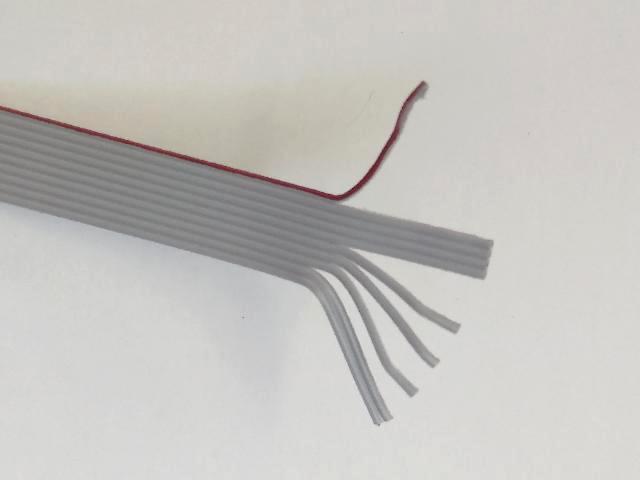 Step-2: Cut the unneeded wires, leaving wires #1(red), #6 and #8. 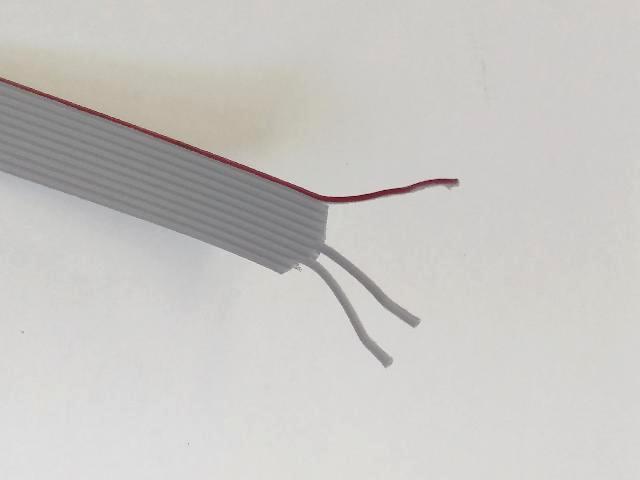 Step-3: Trim the insulation and tin the ends with solder... 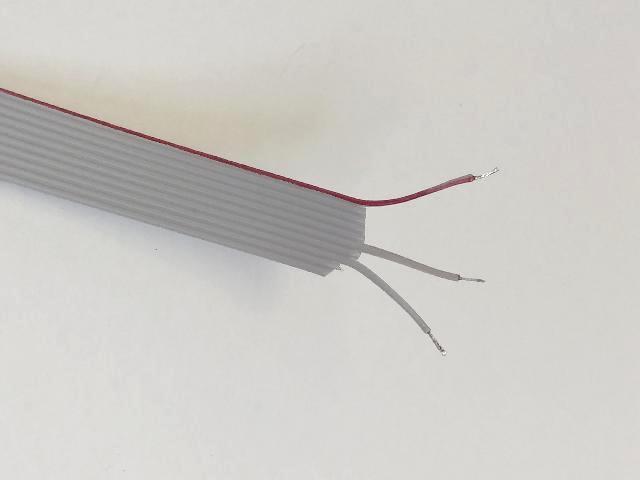 Step-4: Solder to the 15 pin D-sub connector... pins 9, 10, 11 (red) 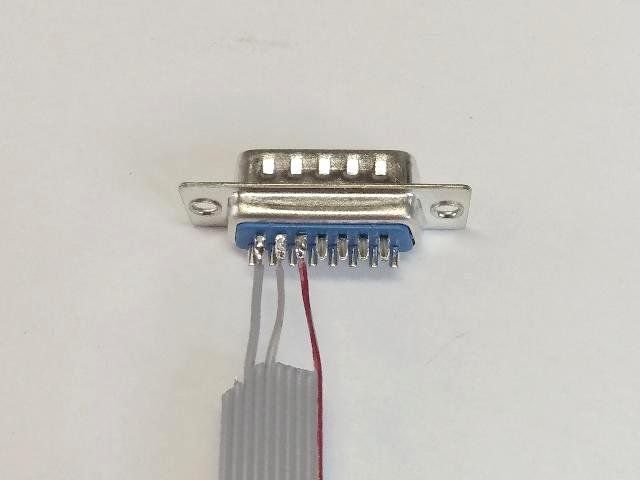 Step-5: Attach hood... 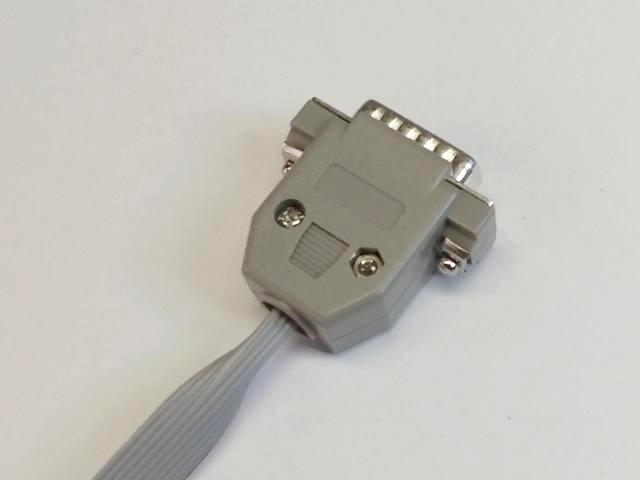 Now for the other end of the cable. First.. Decide which way you want the cable to run. Either way is will work... 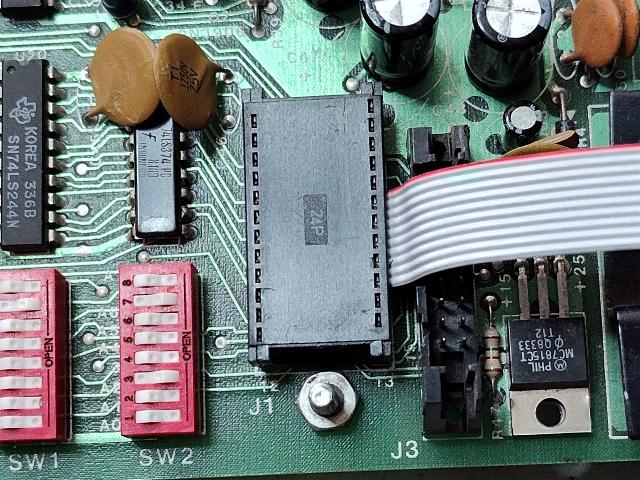 Step-6 (left): Insert ribbon into dip plug socket as shown. Set red wire on pin #5... 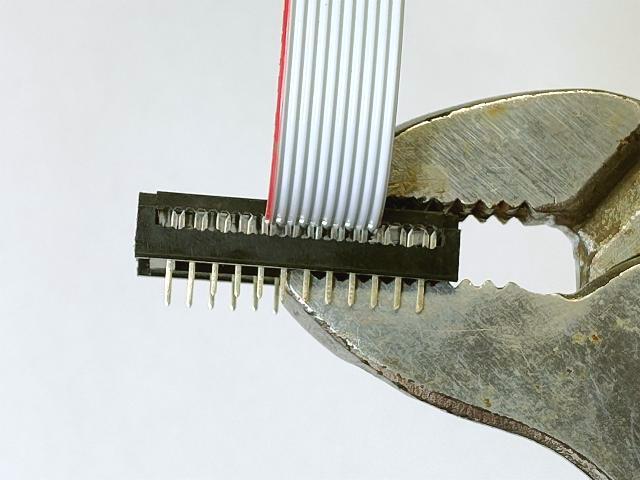 OR Step-6 (right): Insert ribbon into dip plug socket as shown. Set red wire on pin #5... 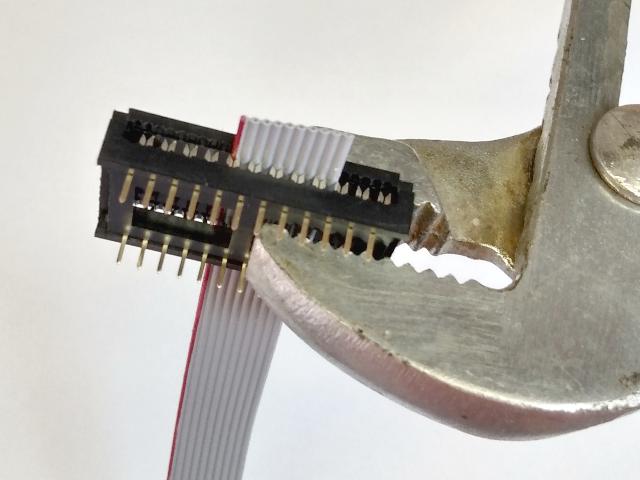 Make sure all wires are properly aligned with the forks and the cable is square with the connector GENTLY crimp with pliers. Don't try to fully crimp on the first squeeze. Press in multiple locations. (You may want to order a few extra connectors and practice this step) Step-7: Trim off excess ribbon... 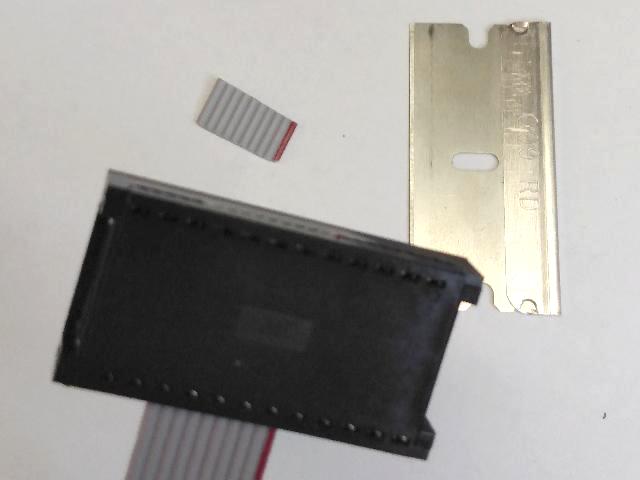 Step-8: Admire your work, and Enjoy the Game! 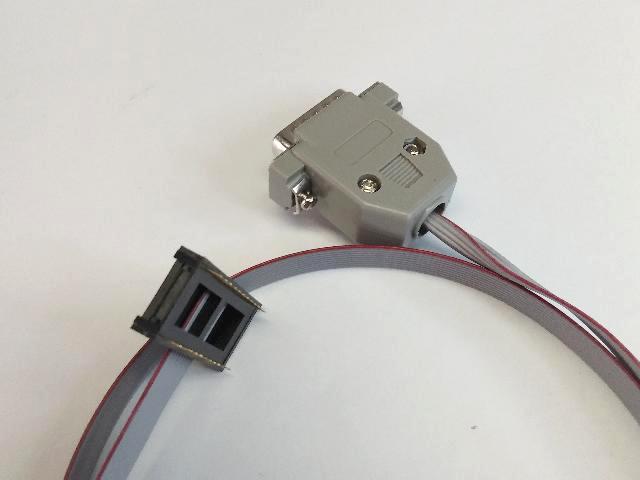 |